Everything it does
The whole list, and what it costs.
Every feature below says which plan it needs. Nothing here is a maybe — if it says Free or Basic, it works today.
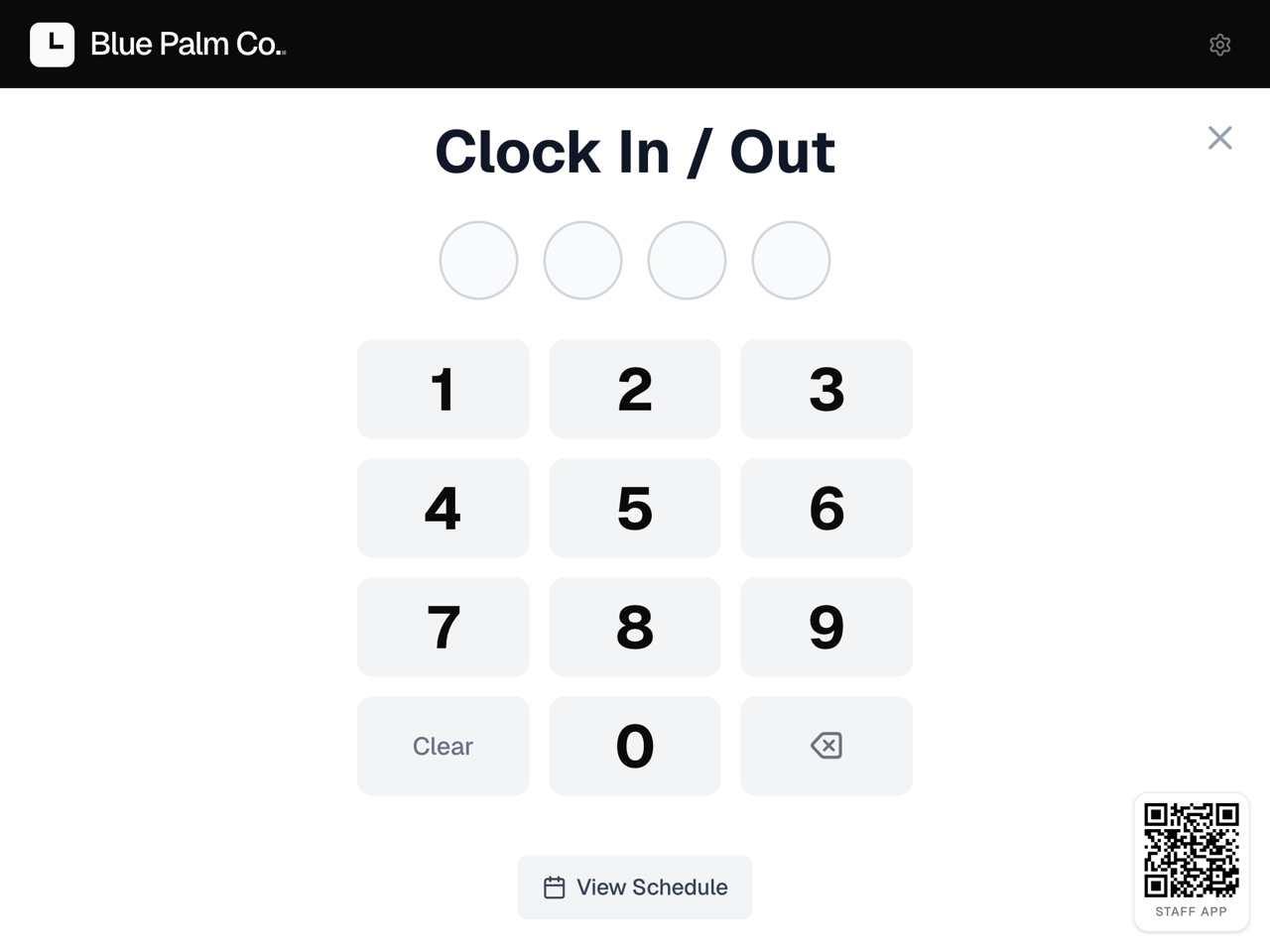
Clock in
Four ways, and you can mix them. Same timesheet either way.
- Free
Shared tablet
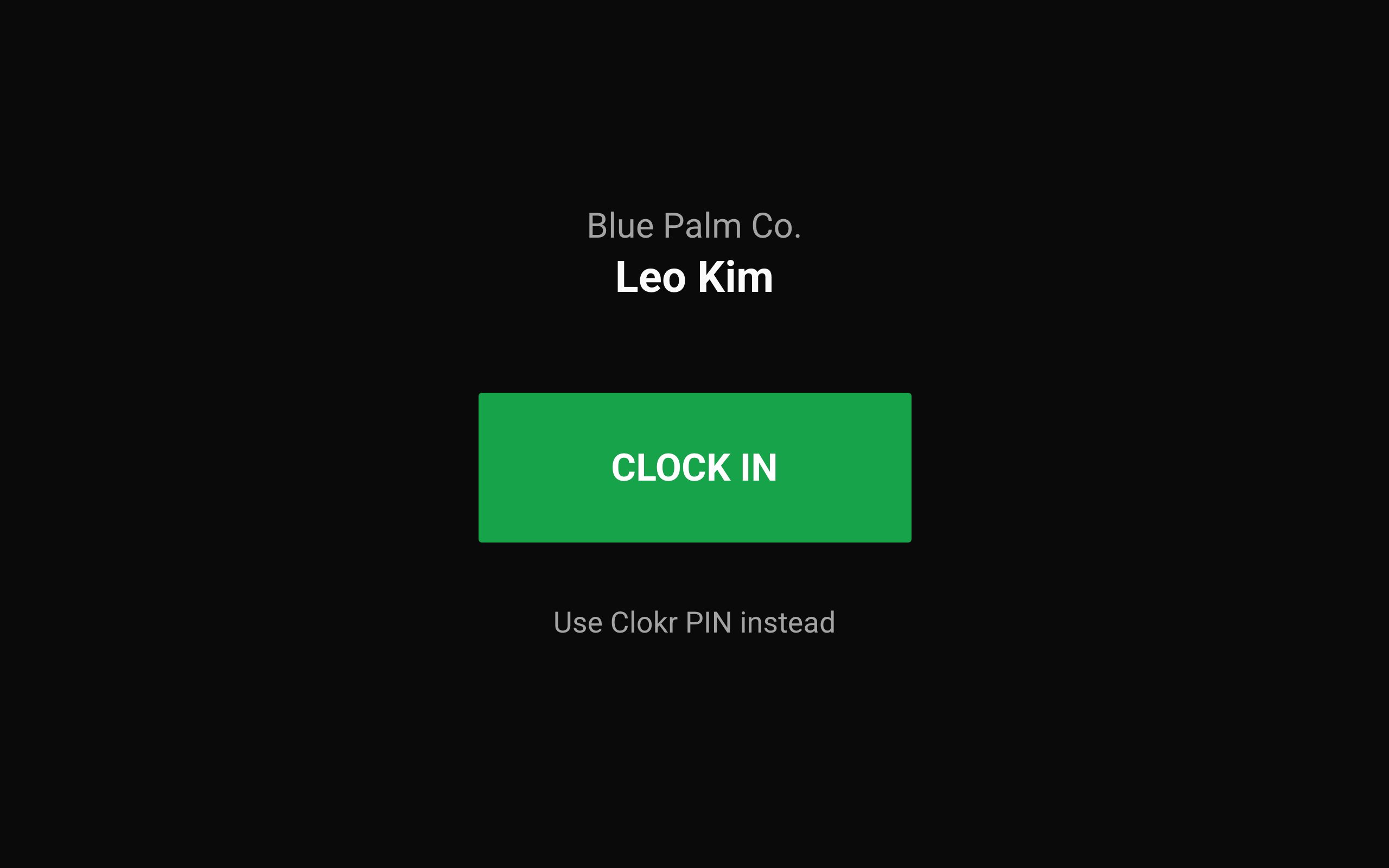
A 4-digit PIN on the tablet at the counter. Nothing for staff to install.
- Soon
On your Clover
Whoever is signed in to the register taps once — no second device, and no PIN to type again. In review at the Clover App Market.
- Free
Staff phone
Clock in from their own phone, and see their week while they are at it. Free for 5 staff, everyone on Basic.
- Free
Tap sticker
A sticker by the door. Tap the phone to it and the clock starts.
- Free
On-site check
Confirms the phone is at the workplace at that moment. Checked once, never tracked.
- Basic
Photo at clock-in
The tablet takes a photo with the punch, so a buddy punch shows up.
- Free
Breaks
Start a break and the clock pauses. Come back and it picks up, on the same punch.
- Free
Their record, before they punch
The tablet shows how many times they have been late in the last 30 days. Nobody has to bring it up.
- Free
Keeps working offline
If the internet drops, the tablet still takes punches and sends them when it is back.
Schedule
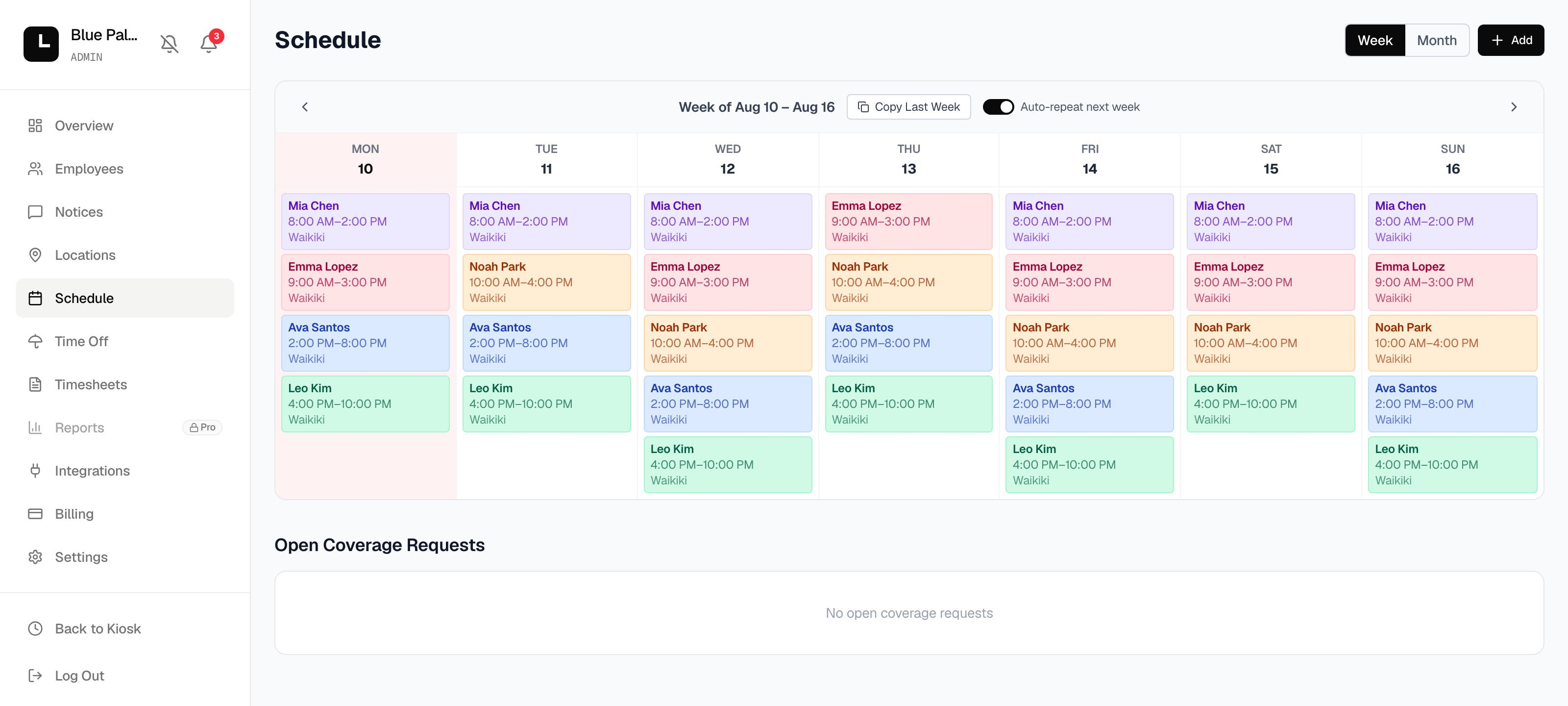
Build the week once. Everyone sees the current one.
- Free
Shift templates
Save the shifts you use — morning, mid, close — and drop them on a day.
- Free
Copy last week
One click when the week looks like the last one.
- Free
Repeat automatically
Leave it on and next week fills itself in.
- Free
Public schedule
A link the team can open without logging in.
- Free
Tell them what changed
Every add, move and drop is kept. One button sends each person their own change, and the store a heads-up.
- Free
Managers fix it from their phone
A manager unlocks once with their password, then edits the week with just their PIN.
- Basic
Time off shows up
Approved days off appear on the calendar, and auto-fill skips them.
Hours and pay
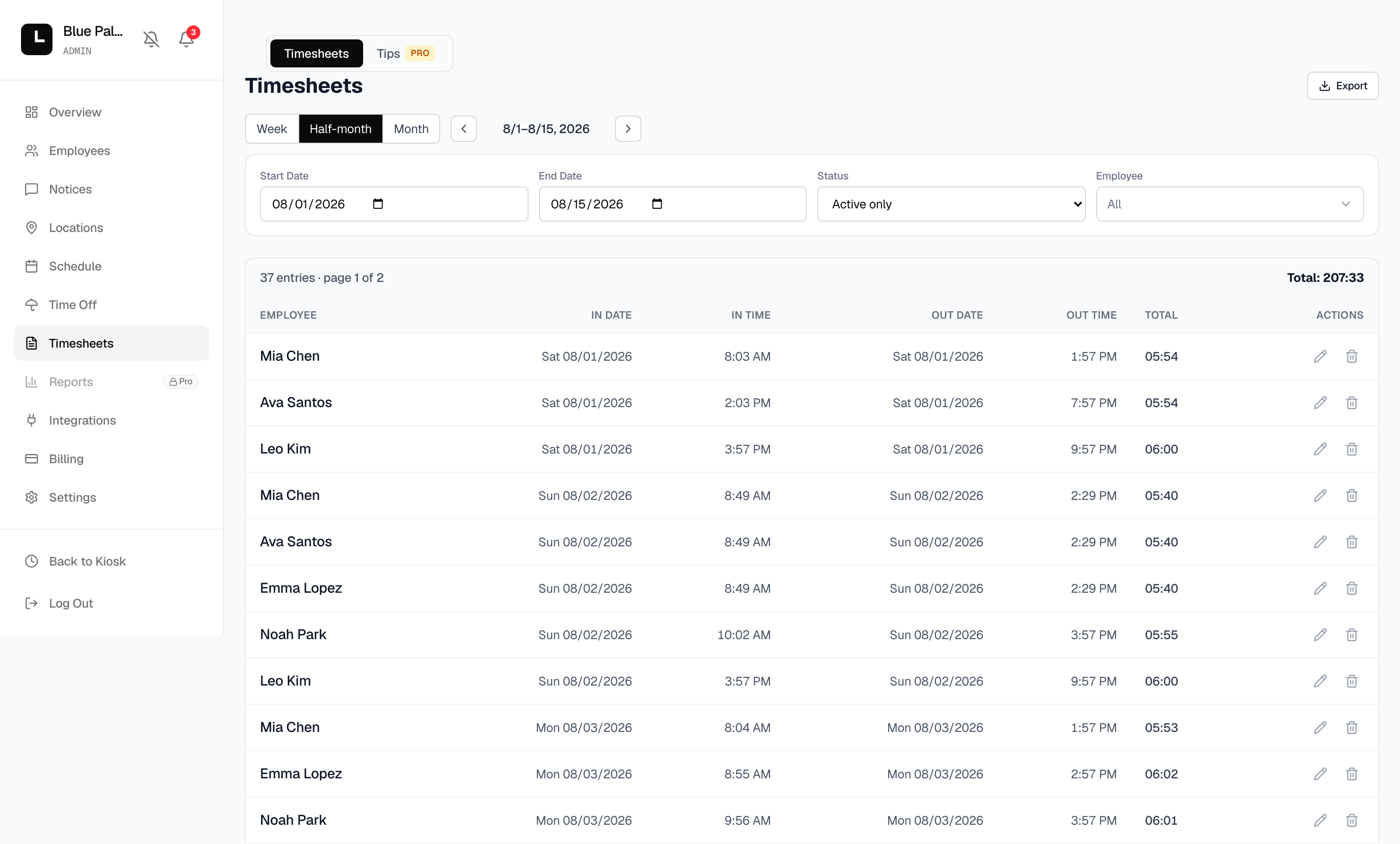
What you hand to payroll, without retyping anything.
- Free
Timesheets by pay period
Totals per person, per location, for the dates you pick.
- Free
Export a spreadsheet
One file for your payroll service or your accountant.
- Free
Fix a missed punch
Correct a time and leave a note. Every change keeps its note.
- Free
Nothing sits broken
Nobody showed for their shift, or forgot to clock out? Clokr notices on its own and tells you.
- Free
They fix their own
Left without clocking out? The tablet asks at their next punch and sends you the time to approve.
- Basic
Overtime
Set the weekly hours and the rate. Overtime is separated for you.
- Basic
Pay statement per person
A PDF for each employee, emailed at the end of the period.
- Pro
Tip pooling
Split a tip pool by hours worked, by location, on the statement.
Your team
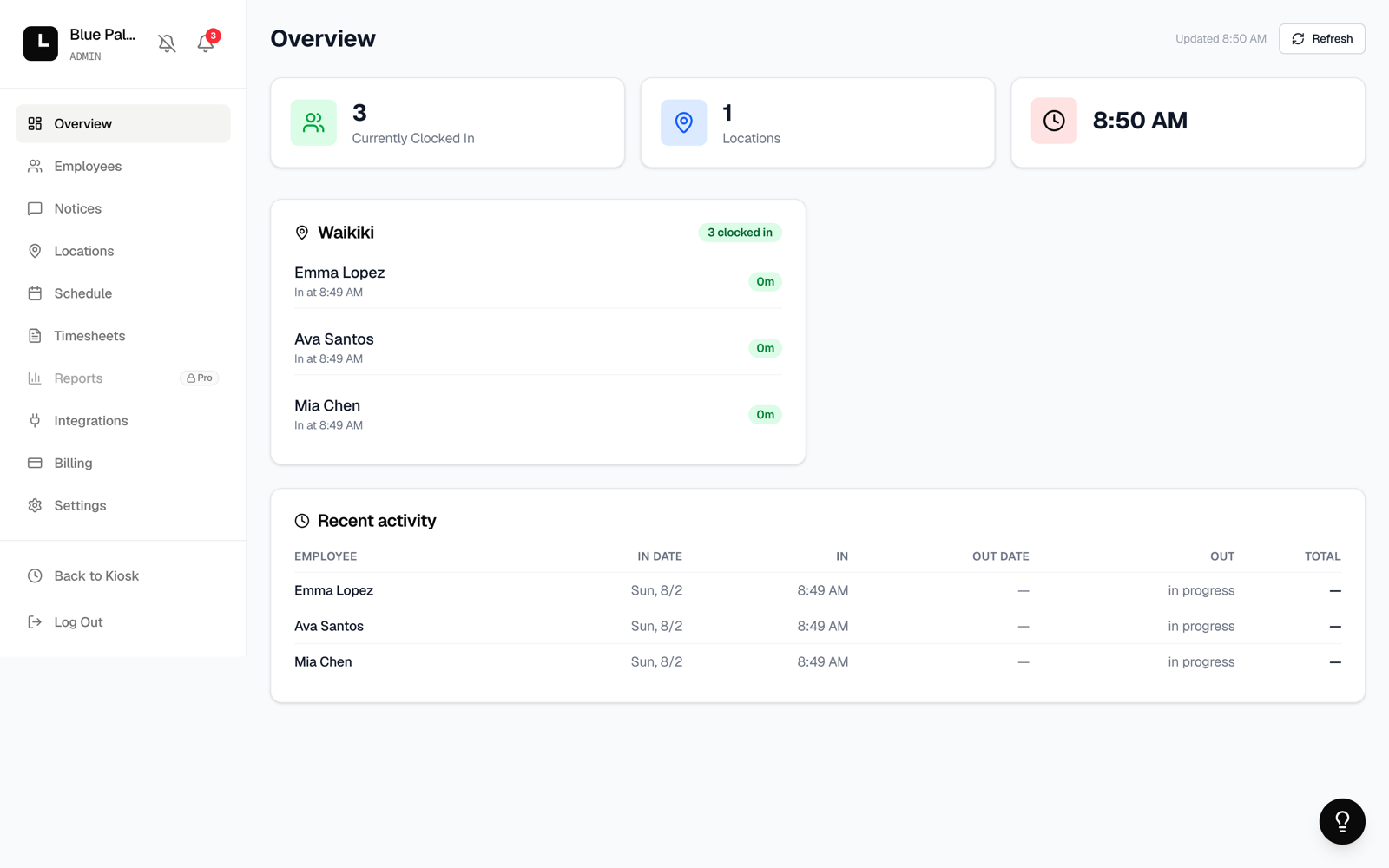
Getting people in, and deciding what they can see.
- Free
Join by QR or code
Print one sheet per location. Staff scan it, or type the 6-digit code.
- Free
You approve new staff
Someone new asks to join, you approve, their PIN is issued.
- Free
Manager access
Managers run the floor. Pay rates, billing and settings stay with the owner.
- Free
Notices
Send one to everyone, to one location, or to one person. You can see how many have read it.
- Free
A notice they can’t miss
An unread one comes up on the tablet before they can clock in — so it reaches the people who don’t carry a phone.
- Basic
Notices on their phone
The same notice arrives as a push and stays in their inbox. Attach a photo or a video and they can open it there.
- Free
Something broken? Tell us
Report it from inside the app and your store, your screen and the last errors come with it. Every plan, Free included.
- Pro
Departments
Group people — kitchen, front, drivers — and read the hours that way.
Time off and coverage
The two things that eat a manager’s phone.
- Basic
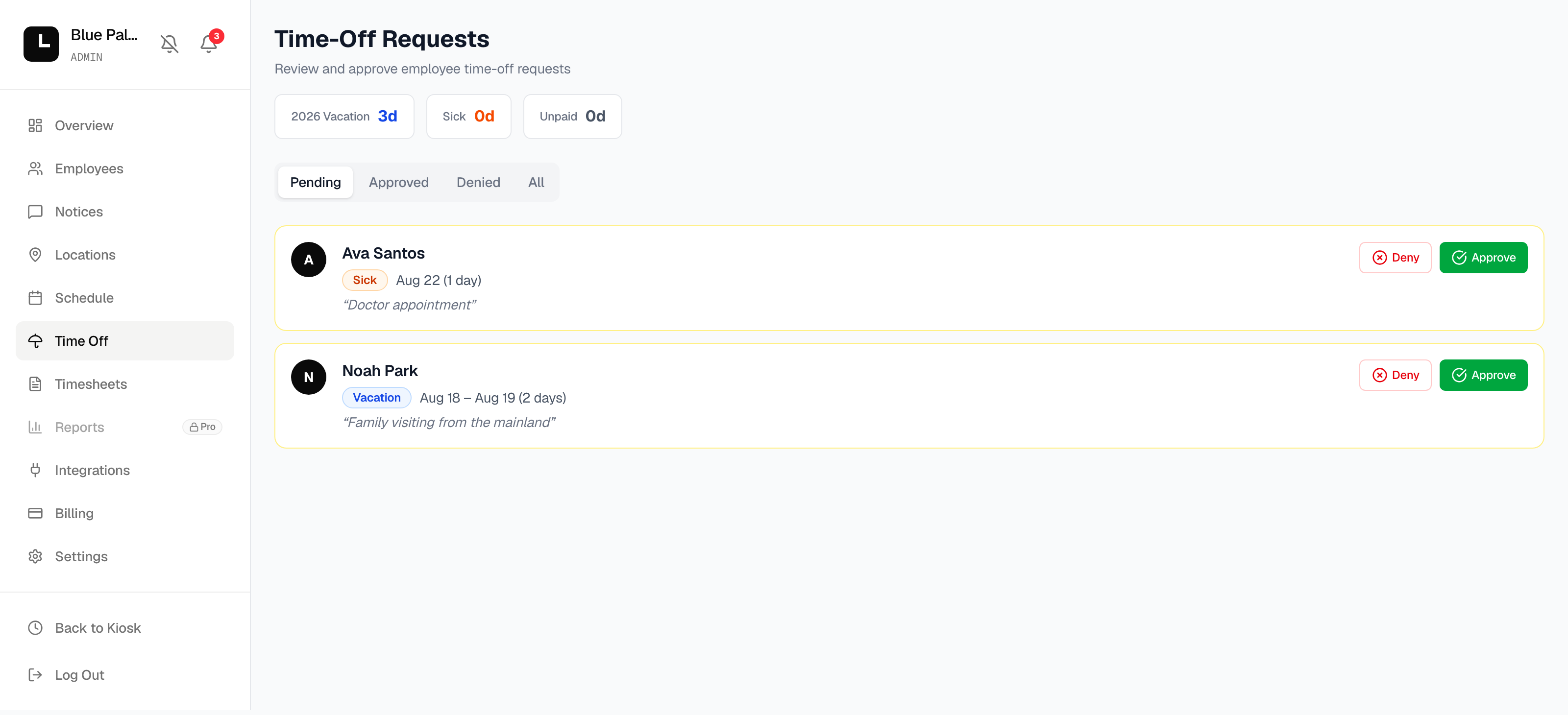
Requests in one place
Staff ask from their phone. Approve or deny, with a note back.
- Basic
Yearly totals
How many days each person has taken this year, next to the request.
- Basic
Shift coverage auction
Someone can’t make it? Coworkers bid to take it, lowest bonus wins, and payroll picks it up.
Numbers and your POS
Hours are only half the answer. The other half is sales. Clokr runs on its own until then — no POS needed.
- Pro
Compare your locations
Hours and labor cost side by side, one location against another.
- Soon
Connect Clover
Pull your staff list over instead of typing it. Built and in testing with Clover now, and it will be free on every plan.
- Soon
Labor against sales
What you paid in hours next to what you took in, today and this week. Comes with the Clover connection.
- Free
Connect Square
Approve Clokr in Square once. Your staff, their pay rates, and finished clock-ins come across.
Start on the free plan. Move up when you need to.
Up to 10 employees free · no credit card